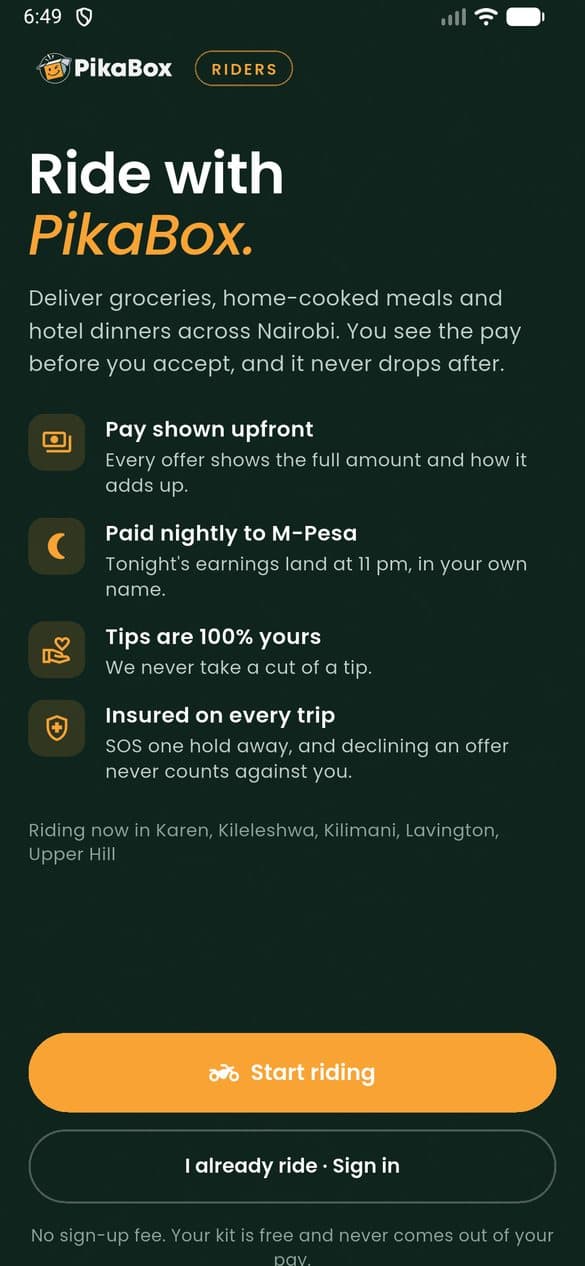
Ride with PikaBox
Deliver supper, on your hours.
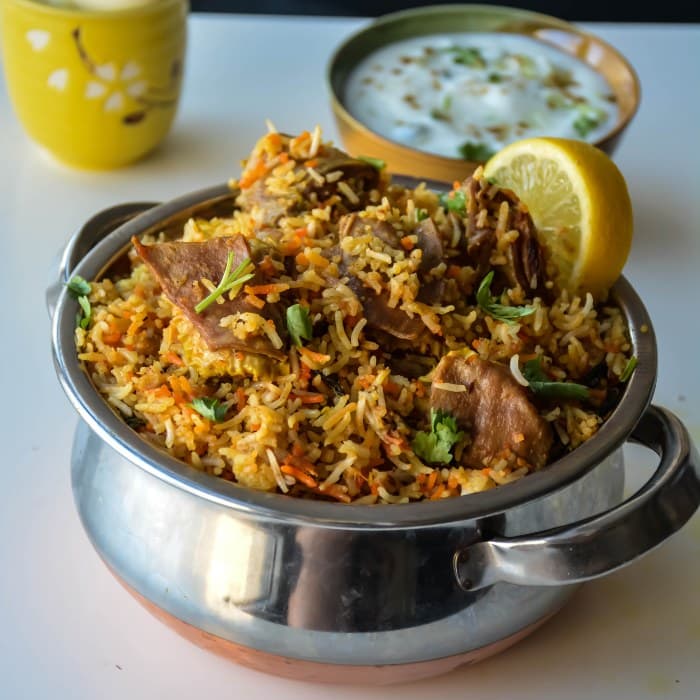
Collect from verified home cooks, Nairobi’s top hotel kitchens and PikaFresh, and take it to tables across the city. You see the full pay before you accept, and it lands on your M-Pesa that night.
- Pay shown upfrontEvery offer shows the full amount and how it adds up
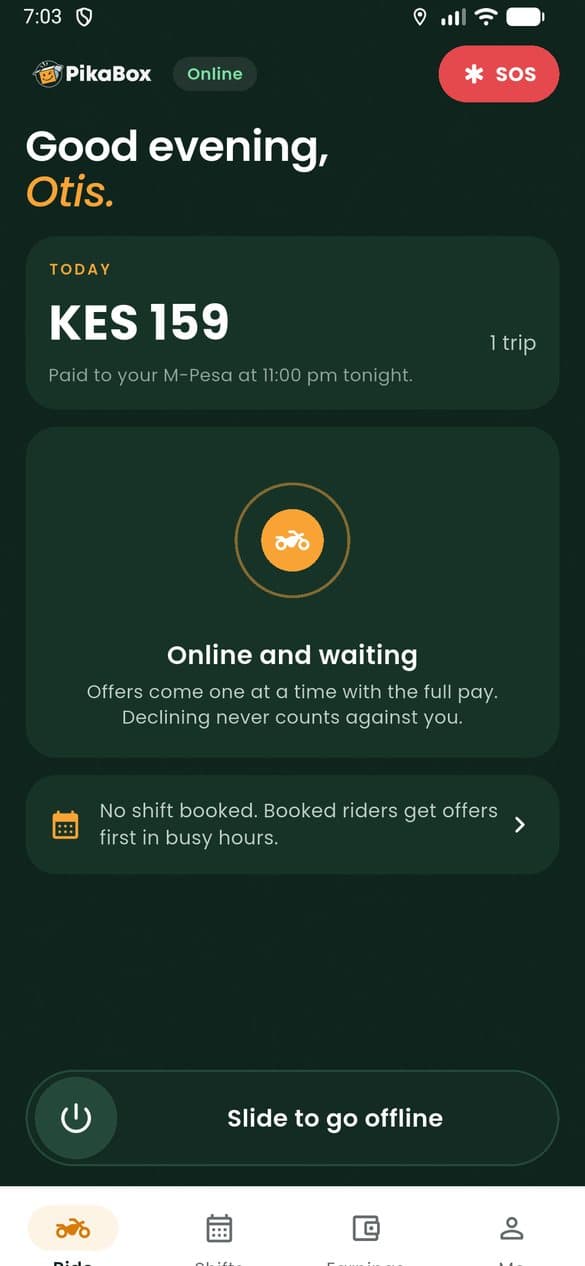
- Paid nightlyTonight’s earnings land on your M-Pesa at 11 pm
- Tips are yoursWe never take a cut of a tip
- SOS one hold awayHold the button and our safety team is with you
How the pay works
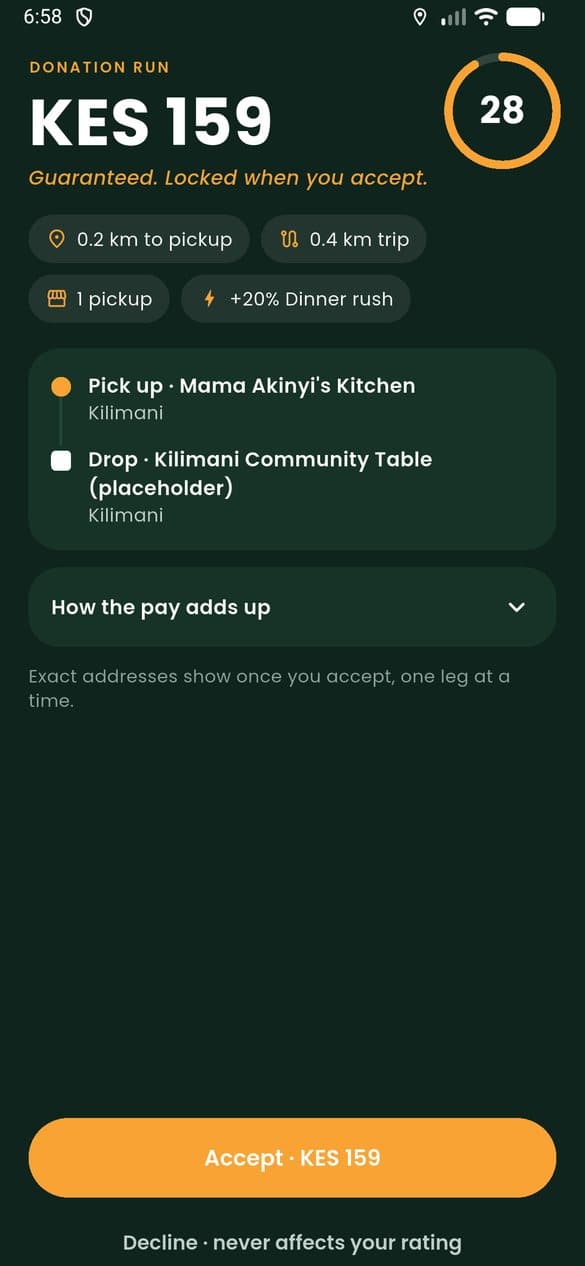
Every job, priced before you go.
An offer arrives with the pickup, the drop and the pay. If you accept, that pay is locked: wait time is added at the door and tips land on top. If you decline, nothing happens to your rating or your next offer.
- More for distance, extra stops and the lunch and dinner rush
- Waiting at a gate is paid after a few free minutes
- Cancelled after you accept? Paid in full once you have collected
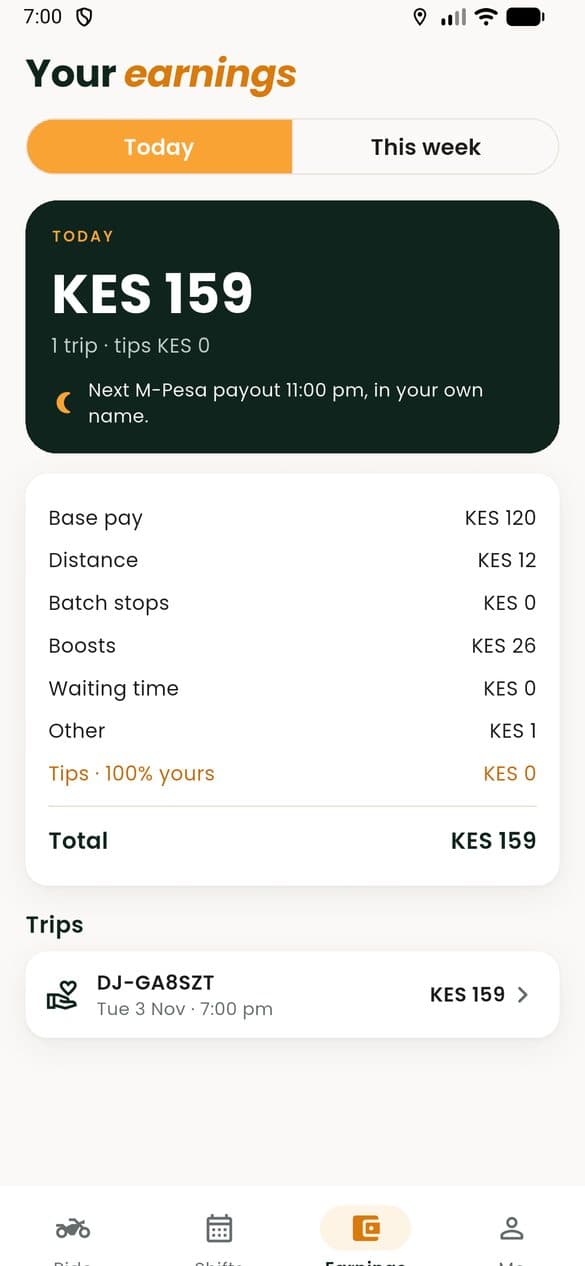
What one job pays
- Base payFor every job you take
- Every job
- DistanceBy road, pickup to drop
- Per km
- Extra stopsA second pickup or drop on the way
- Per stop
- Peak boostLunch and the dinner rush, or your booked shift’s boost
- On top
- WaitingAfter a few free minutes at a stop
- Per minute
- TipsAdded the moment a customer tips
- All yours
Paid to your M-PesaTonight, 11 pm
Every job pays a minimum, and pay always rounds up to the shilling.
An evening on the road
Online to Asante, in four taps.
Codes at both ends mean nothing is ever guessed: the cook shows hers at the gate, the customer reads you theirs at the door.
Slide online
Offers come to you one at a time, each with its full pay. Booked riders hear first in busy hours.
Accept the offer
You have thirty seconds to look. The exact address shows once you accept, one leg at a time.
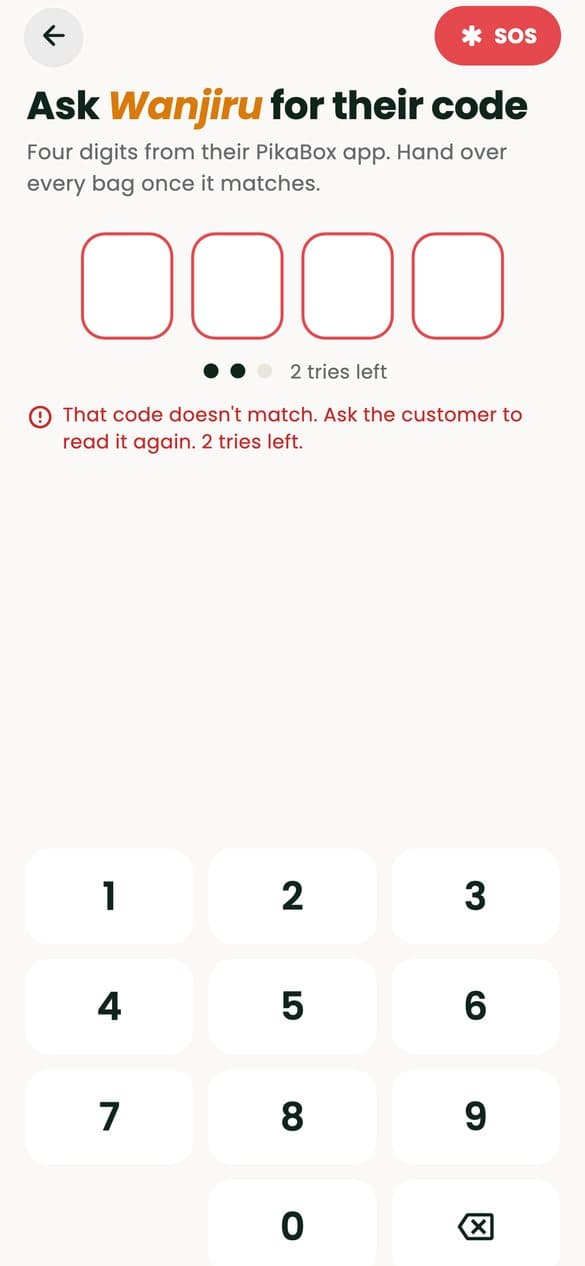
Hand it over
Collect sealed at the gate, then ask for the customer’s four-digit code at the door.
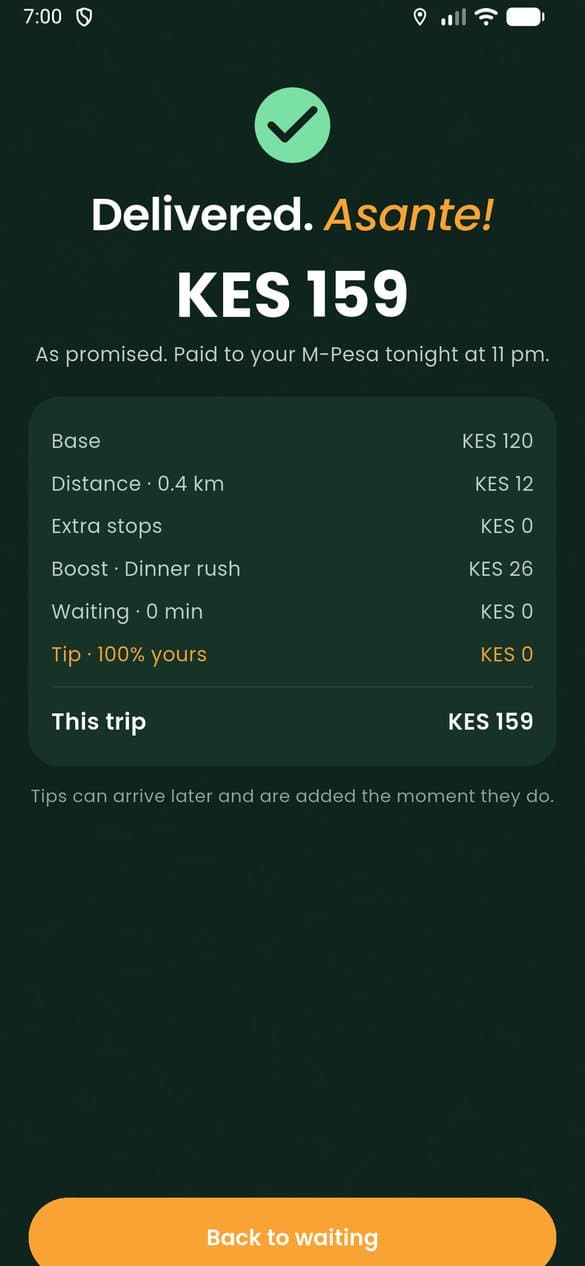
Paid tonight
The trip’s pay, line by line, joins tonight’s M-Pesa payout at 11 pm.
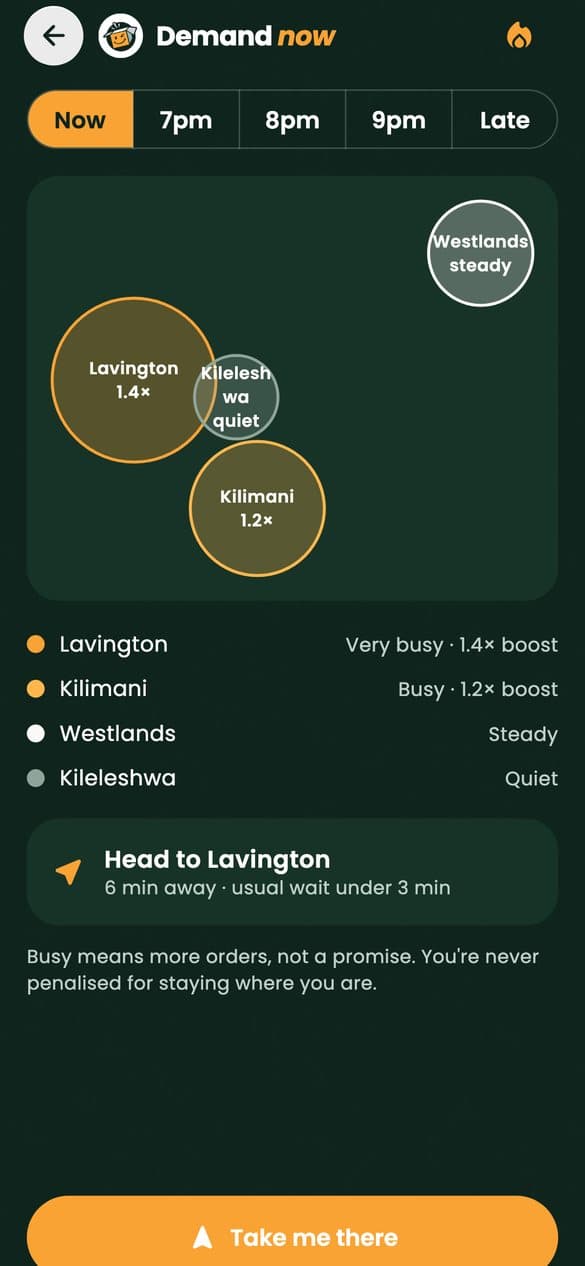
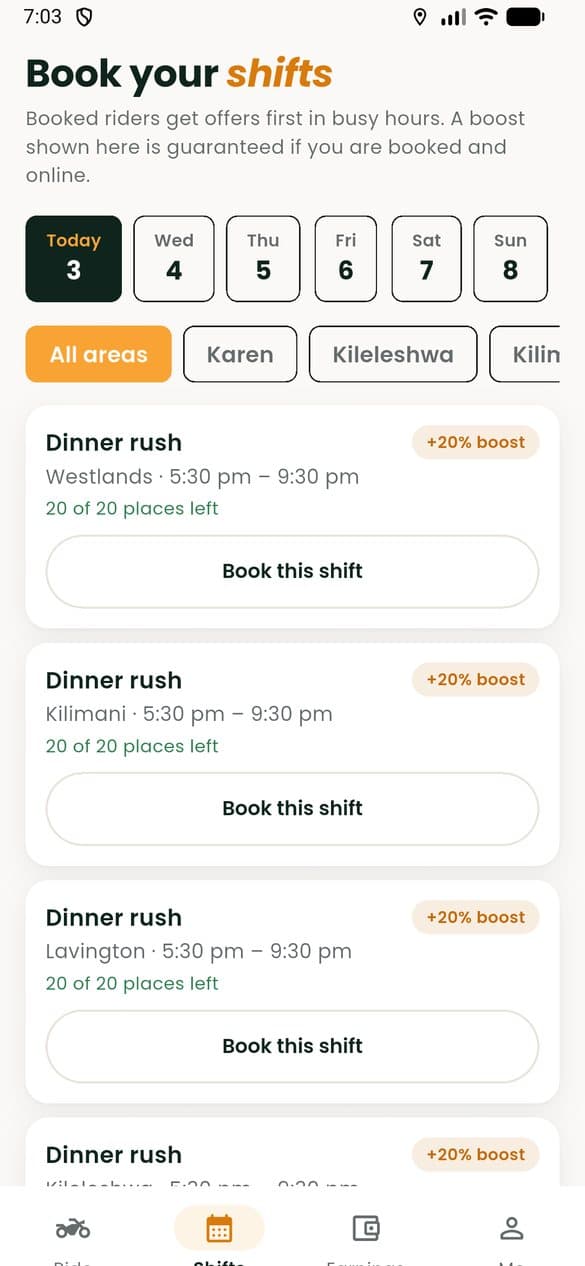
Your hours
Book a shift, or just ride.
Lunch, the dinner rush, late nights: book the slots that suit you in the neighbourhoods you know, or go online whenever you like.
- Booked riders hear firstIn busy hours, offers go to riders on a booked shift before anyone else.
- Plans changeCancel a booking free up to two hours before it starts.
- See where it’s busyThe demand map shows each neighbourhood now and later tonight. Busy means more orders, never a promise.
Safe on every road
Help is one hold away.
Riding at night in a big city takes care. The rider app is built so help is always close, your number stays private, and your papers never lapse by surprise.
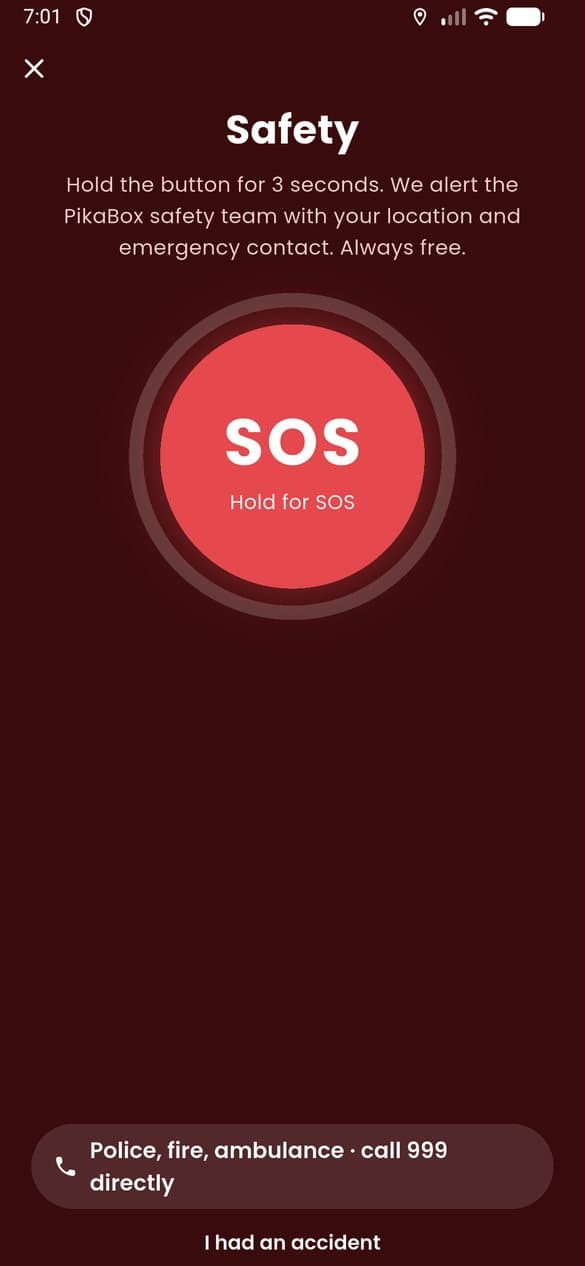
Hold for SOS
Hold the button for three seconds and we alert the safety team and your emergency contact with your location.
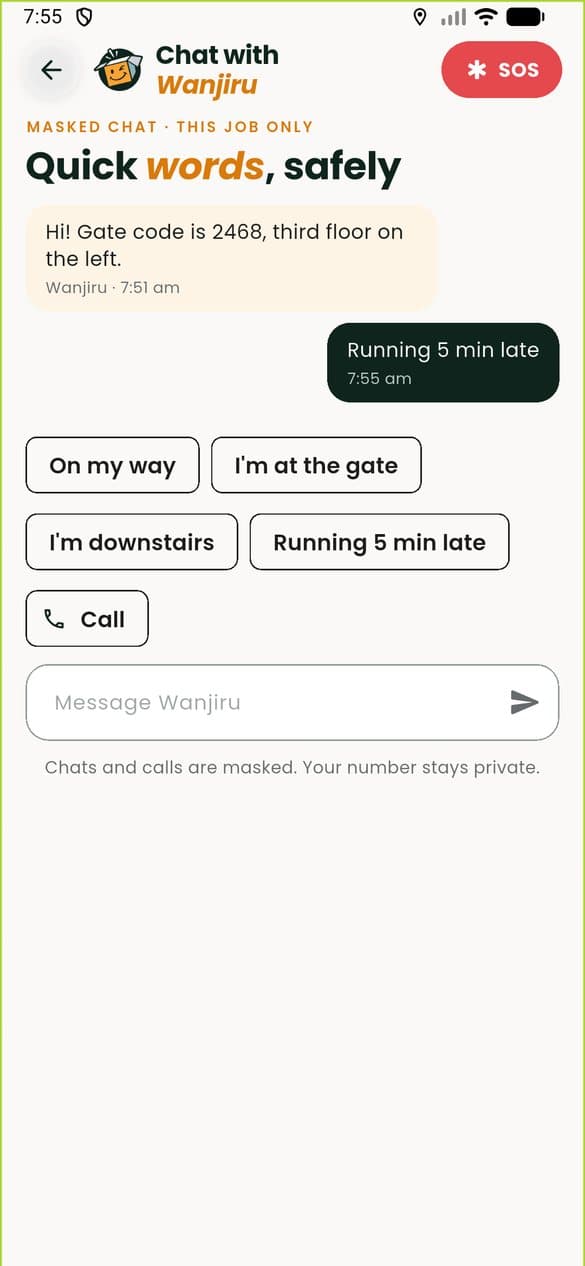
Masked chat and calls
Message or call the customer from the app. Neither of you sees the other’s number.
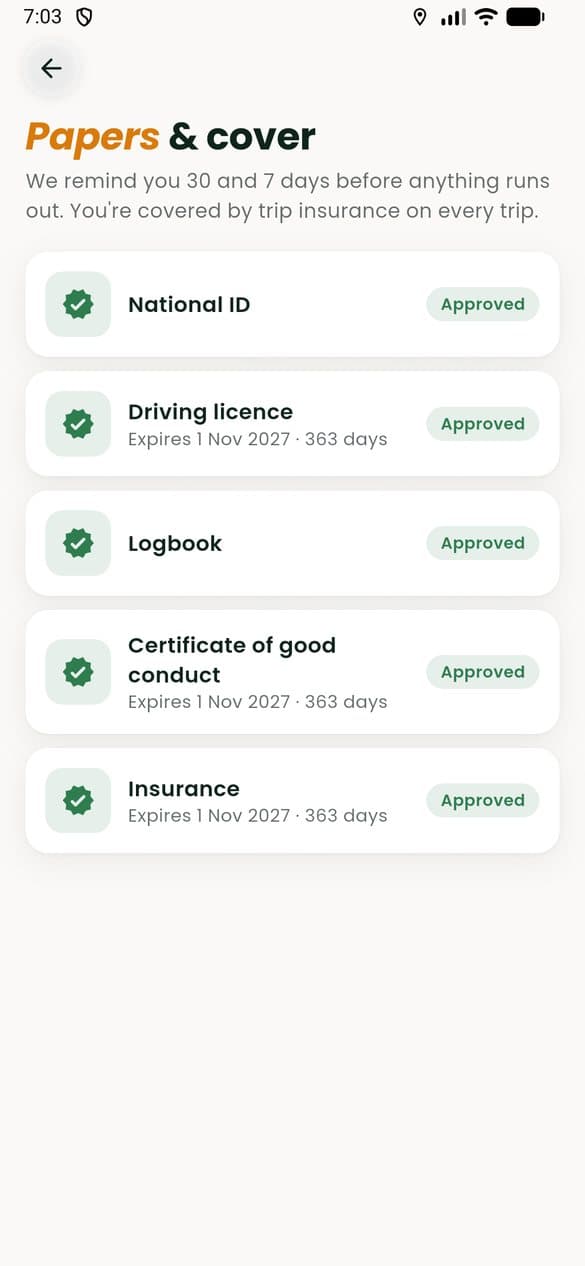
Papers, remembered
We remind you a month and a week before a document expires, so you never stop by surprise.
Getting started
From application to first ride.
Apply in about five minutes and add your documents after. Motorbikes, bicycles and cars are all welcome; a bicycle needs no licence or logbook.
Apply
Your vehicle, your number plate, the zones you know and an emergency contact.
Papers checked
Upload your ID and, for a motorbike or car, your licence and logbook. Our rider team checks each one.
Orientation
A short session on handover codes and riding safe at night.
Collect your kit
Pick up your bag and kit at a rider hub, then slide online.
Questions
Before you apply.
Something else on your mind? Write to hello@pikabox.co and a person will answer.
What can I ride?
A motorbike, a bicycle or a car. Bicycles get the shorter trips, and cars get the larger event jobs.When do I get paid?
Every night at 11 pm, straight to your own M-Pesa, for everything you earned that day. Your statement shows every trip line by line.Does declining an offer count against me?
No. Declining never costs you pay or your rating, and you are never penalised for staying where you are on a quiet night.Do I keep my tips?
All of them. Tips are added to your pay the moment a customer leaves one, and PikaBox never takes a cut.Can I ride with a fleet?
Yes. If you ride for a fleet partner, your fleet manager sees your shifts and papers in their own portal.What if a rating blames something I couldn’t control?
Low ratings about cold food, a missing item or a wrong address are removed from your average, and customers never see your name.
Ride with PikaBox
Ready to ride?
Five minutes now, documents after. We save as you go.