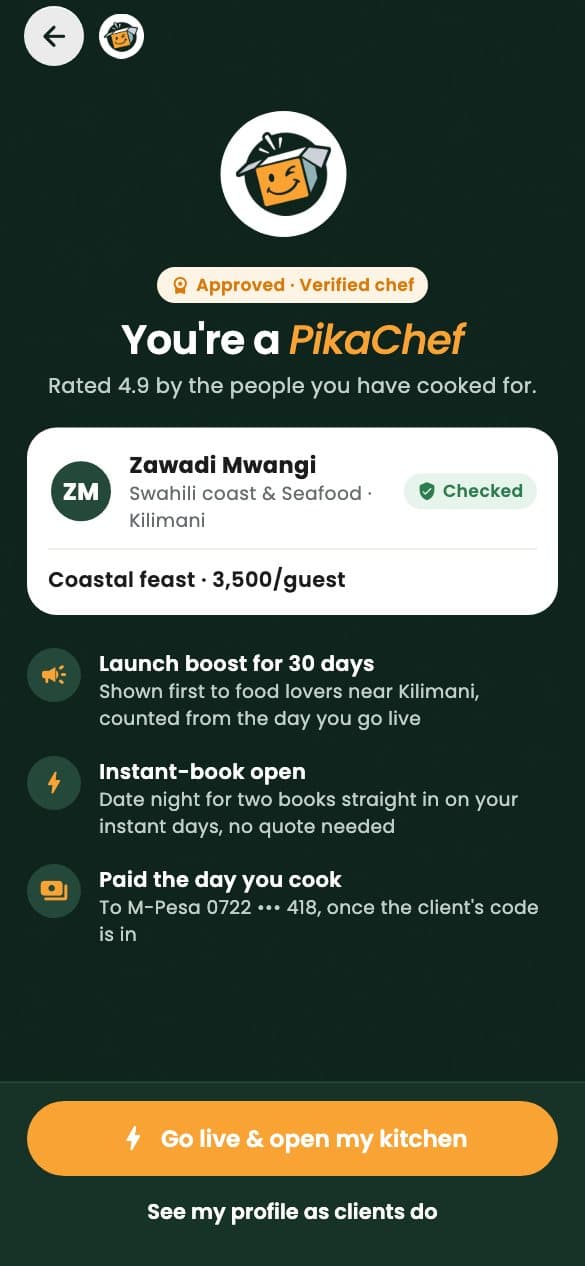
Become a PikaChef
Your cooking, booked.
Dinners for two, birthdays for twenty, cooking lessons and meal prep, in kitchens across Nairobi. You set your price per guest and keep all of it; the client’s payment is held by PikaBox until the dinner is done.

- You set the priceOne price per guest. Clients pay our fee on top
- Paid before you shopThe client’s payment is held by PikaBox from booking
- Verified clientsThe address is yours only once a dinner is paid
- Your days, your distanceOpen the days you cook and how far you travel
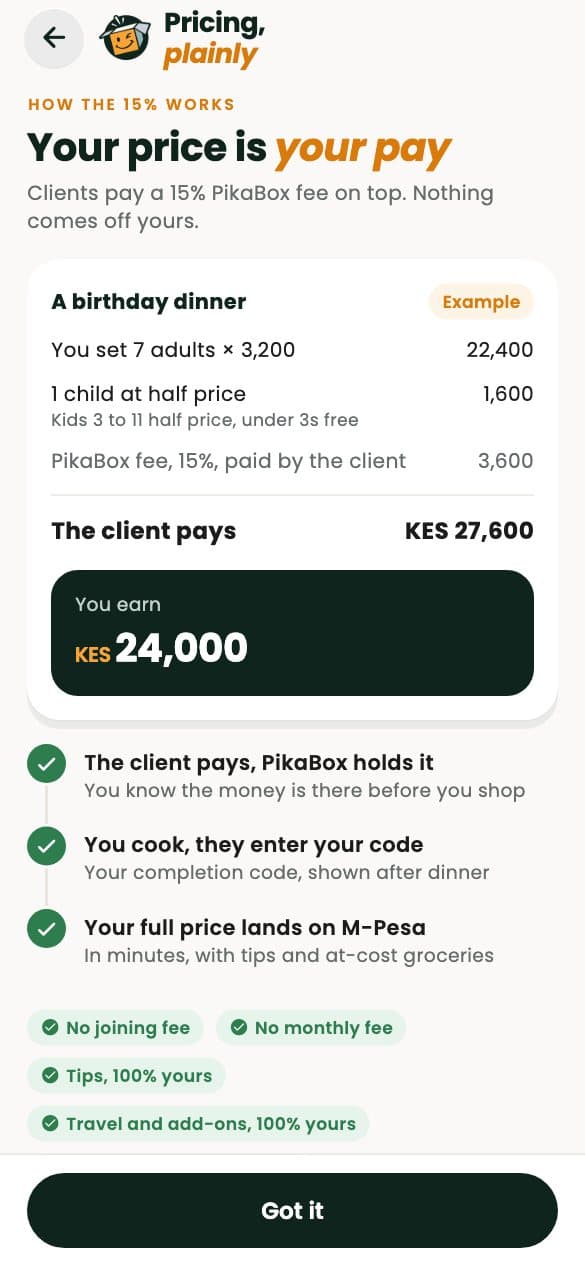
One dinner, line by line
- Your price per guestSet by you, charged for at least four adults
- Yours
- Children 3 to 11Under-threes eat free
- Half price
- Add-ons and travelYour extras and your distance bands
- All yours
- GroceriesThe ingredient share, released 48 hours before
- Covered
- PikaBox feePaid by the client, on top of your price
- 15%
- Repeat clientsWhen they have dined with you before
- 10%
Released to your M-PesaAfter dinner
Tips are all yours. Extras the client approves are bought at cost, with no fee.
How the money works
Your price is your pay.
Clients pay a PikaBox fee on top of your price, so nothing comes off yours. The whole payment is held by PikaBox from the moment they book, and released to you when the dinner is done.
- Groceries leave the held payment 48 hours before, so you never shop with your own money
- Your completion code releases the payment the moment you finish
- If plans change late, the cancellation policy pays you for your groceries and your time
Request to released
From hello to Asante, step by step.
Every dinner runs the same way, so you can think about the food: the request, your quote, the night itself and the payment, each in its own screen.
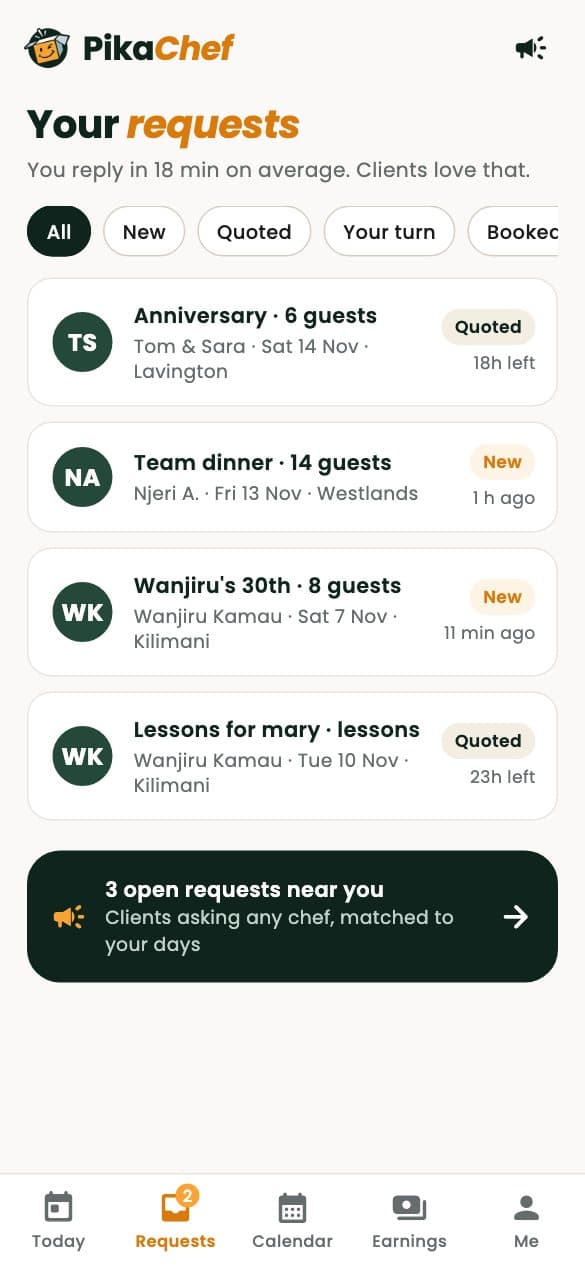
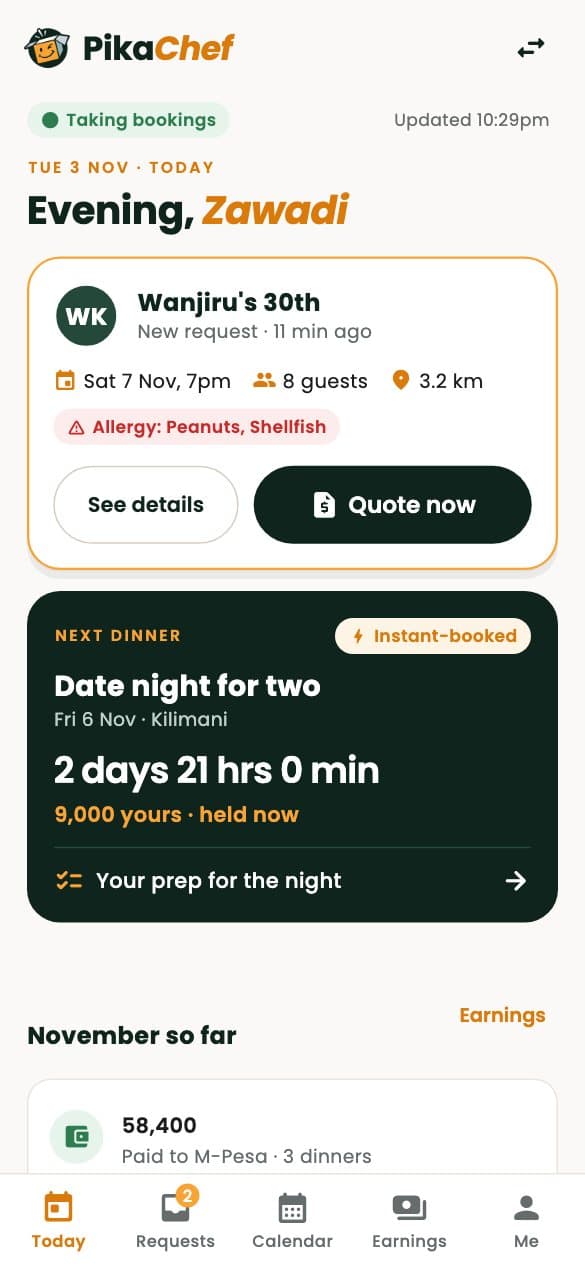
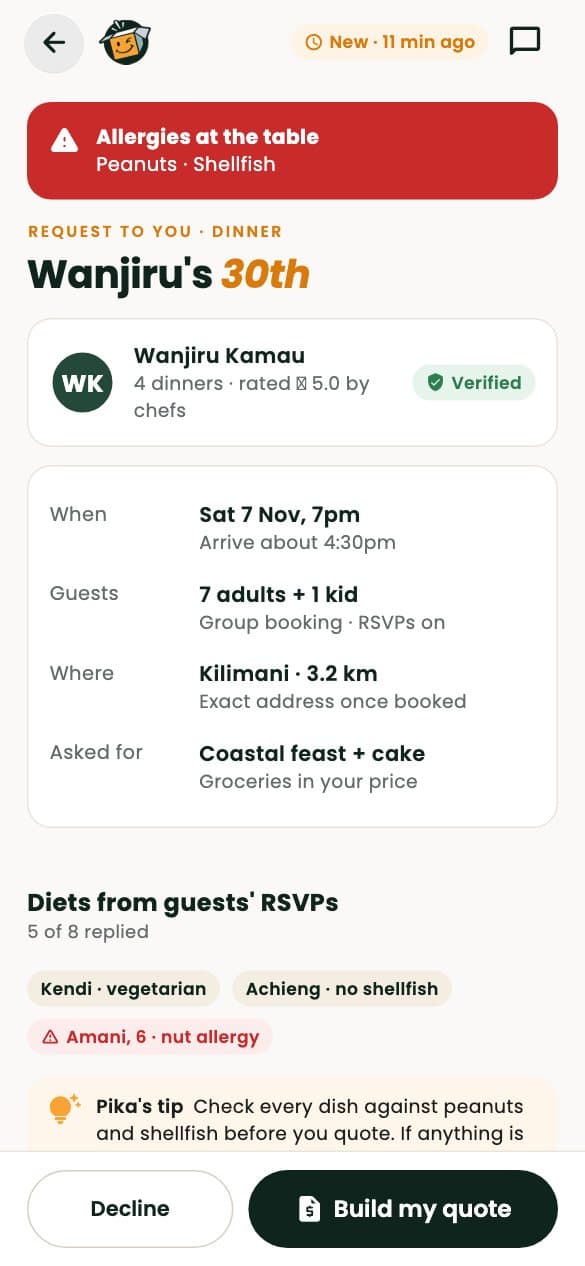
A request arrives
Asked directly, or an open request to every free chef nearby who cooks that cuisine.
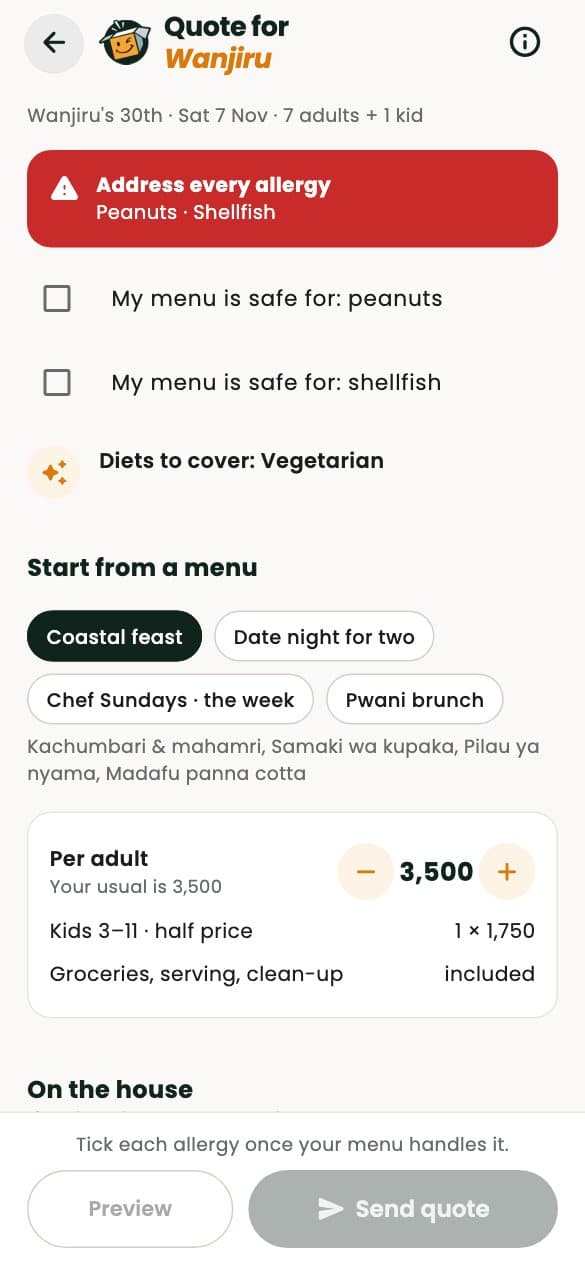
Send your quote
Start from a menu, confirm every allergy is safe, and price it. Counter-offers go both ways.
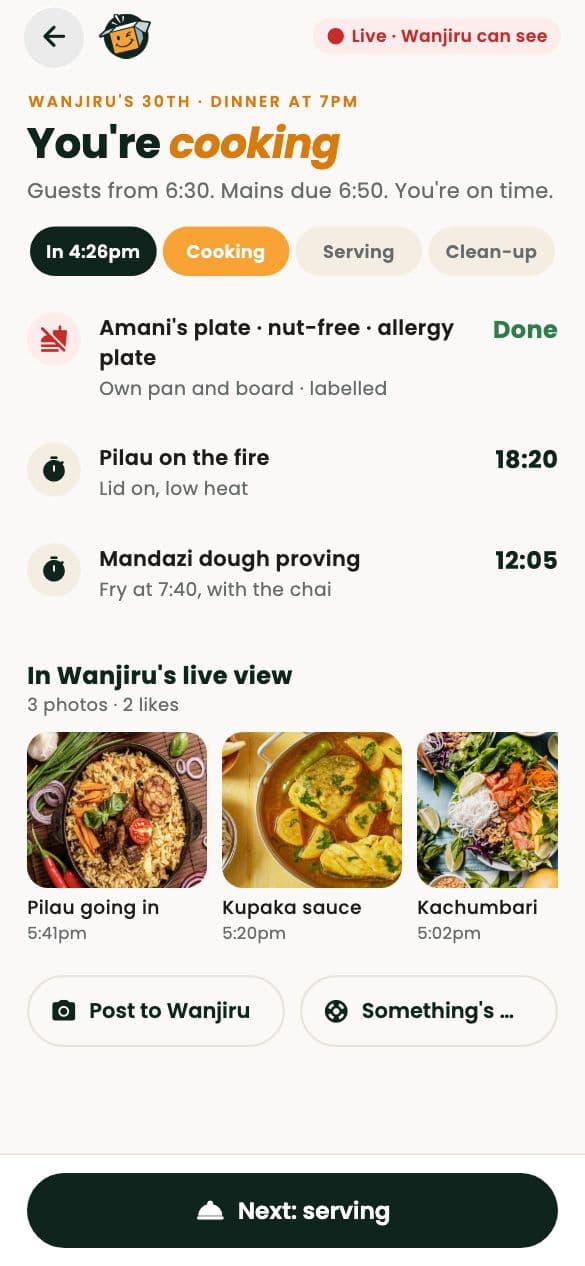
Cook on the night
The client’s arrival code starts the dinner; allergies stay pinned at the top of your screen.
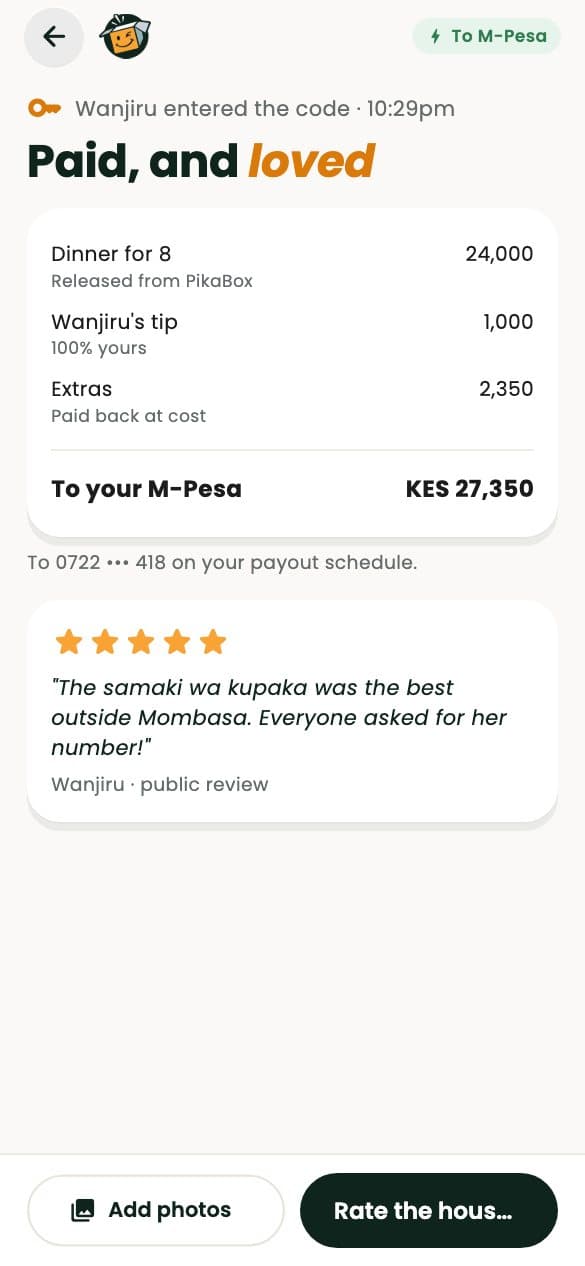
Paid, and loved
The completion code releases the payment to you. Reviews follow, and you can reply once.
Your kitchen, your rules
Menus, days and quotes, on any screen.
Run PikaChef from your phone in chef mode, or from your laptop on the chef dashboard. Both show the same menus, calendar, requests and earnings.
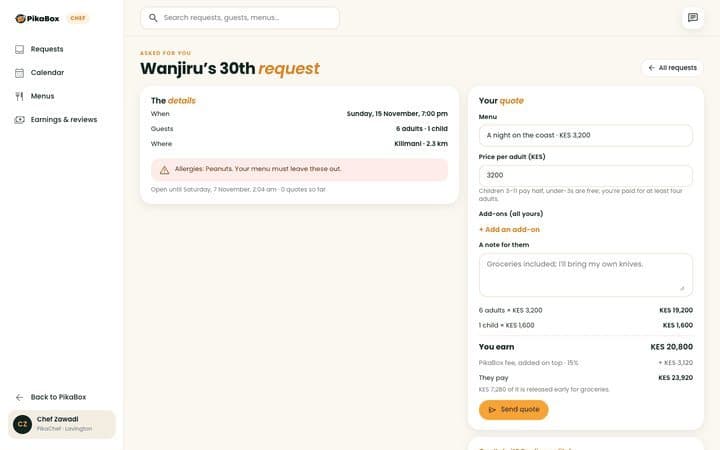
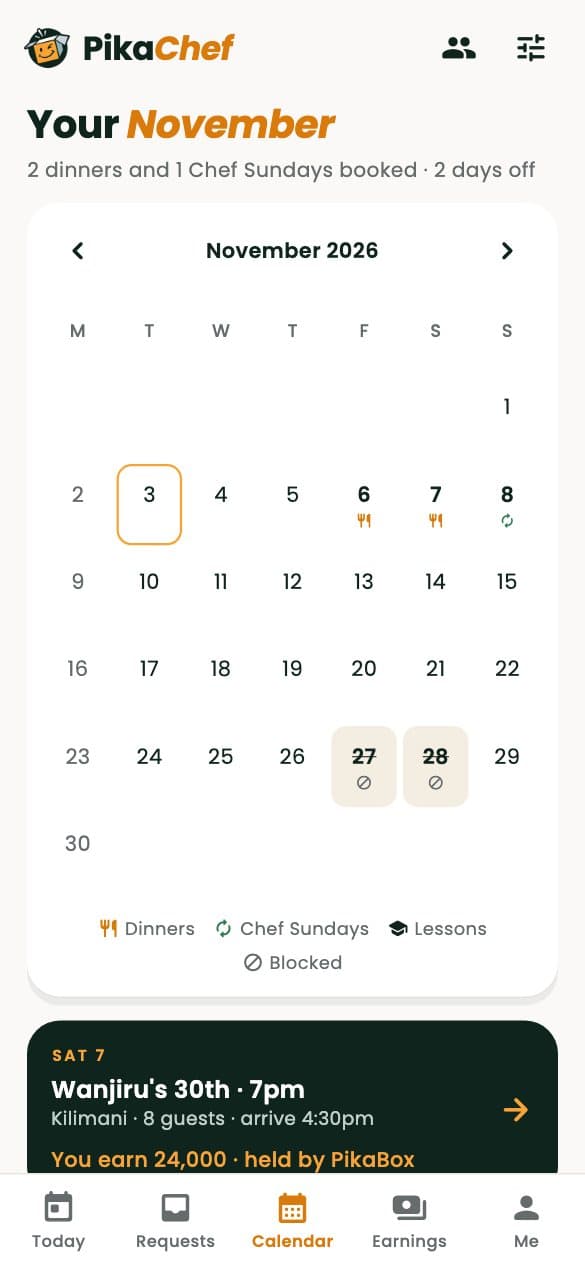
- Menus priced per guestAllergens come from each course’s recipe, so every menu declares them.
- Days and distanceOpen the weekdays you cook, block days off and set how many dinners a day.
- Instant book, if you likeLet clients book a fixed menu straight away, or quote every dinner yourself.
Safe in every kitchen
Homes you don’t know yet, handled.
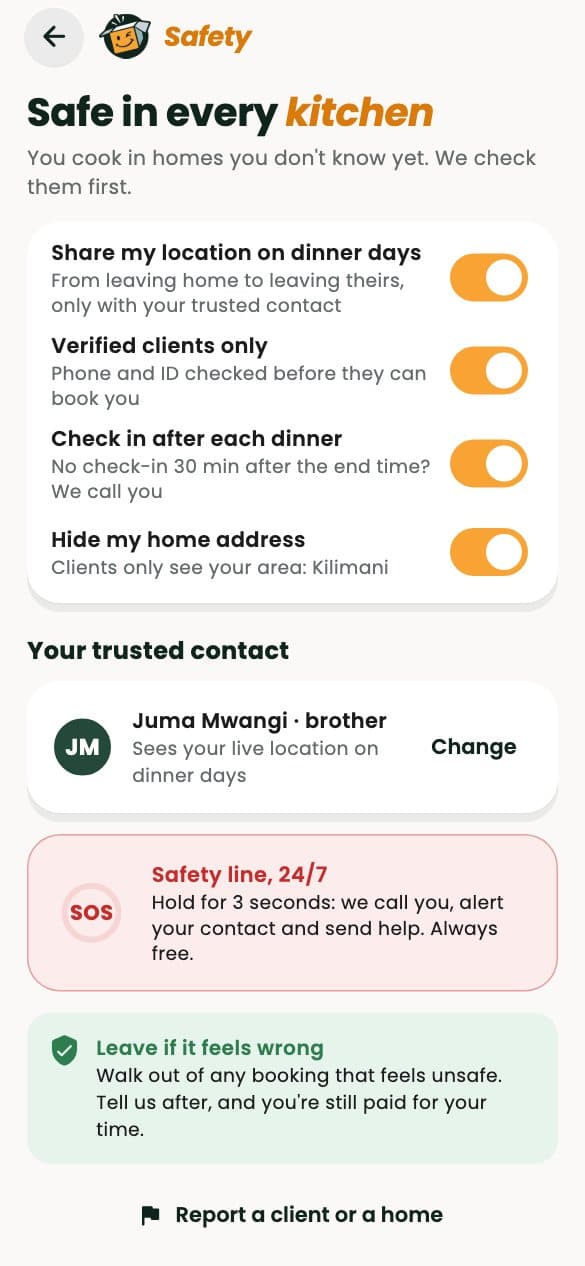
You cook in people’s homes, so we check them as carefully as they check you.
- The address, only when it’s timeYou see the address and gate code from a day before the dinner to a day after, never earlier.
- Codes at the door and at the endFour-digit arrival and completion codes confirm you were there and that the dinner is done.
- Protected if plans changeA client who cancels late still pays for your groceries and part of your price, by a policy you see before you quote.
Getting started
From application to first dinner.
Your application saves as you go, so you can finish it over a few evenings. Then you cook for us once.
Apply
Your story, cuisines and languages, three or more photos, a sample menu, your ID, hygiene and good-conduct papers, and two references.
Your tasting
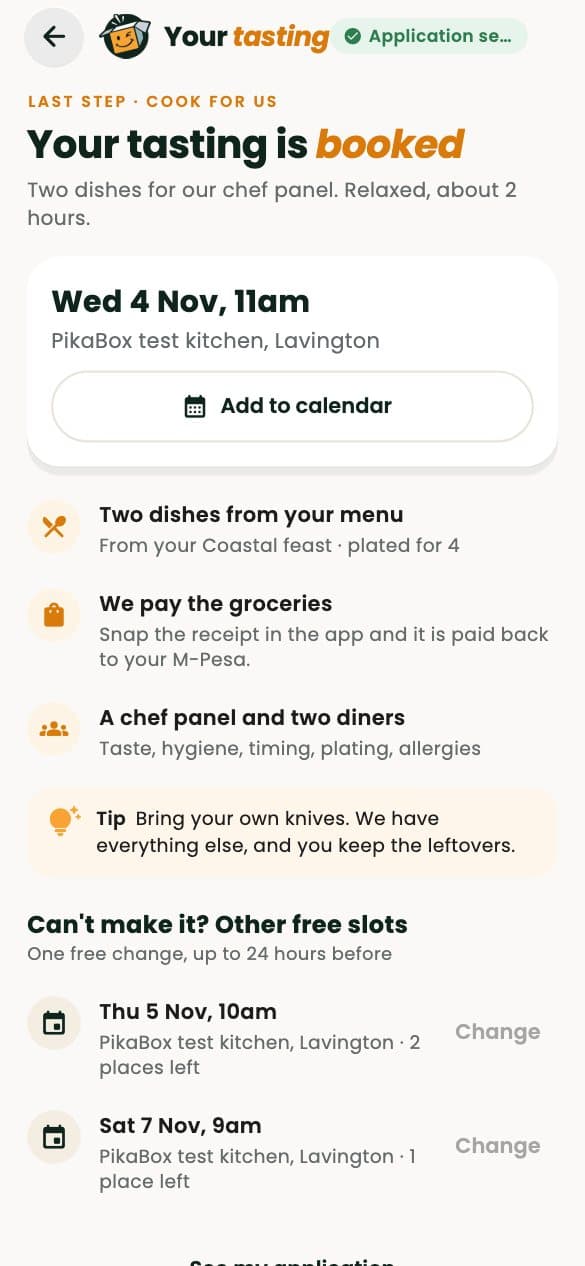
Two dishes from your menu for our chef panel at the PikaBox test kitchen in Lavington.
Approved
Our team approves your profile and the chef page clients will see.
Go live
Publish your menus, open your days and take your first request.
Questions
Before you apply.
Something else on your mind? Write to hello@pikabox.co and a person will answer.
What does PikaBox take from my price?
Nothing. Clients pay a 15% PikaBox fee on top of your price, or 10% when they have dined with you before. Add-ons, travel and tips are all yours.Who pays for the groceries?
The client, as part of the booking. The ingredient share leaves the held payment 48 hours before the dinner as a PikaFresh order, or as a cash advance once you have completed a few dinners.When am I paid?
When the dinner is done. Your completion code releases the payment to your M-Pesa, and if nobody acts it is released automatically a day after.Can I teach cooking lessons?
Yes. Lesson menus have one price per lesson, with up to four dishes and no ingredient share.What if a client cancels?
More than three days before, they are refunded in full. Closer to the dinner you keep part of your price, and inside 48 hours you keep the groceries and half of the rest.How far will I travel?
As far as you choose. You set your distance bands and the travel fee for each, and only requests within your range reach you.
Become a PikaChef
Cook for people who love food.
Free to join. Save as you go and finish when you’re ready.